
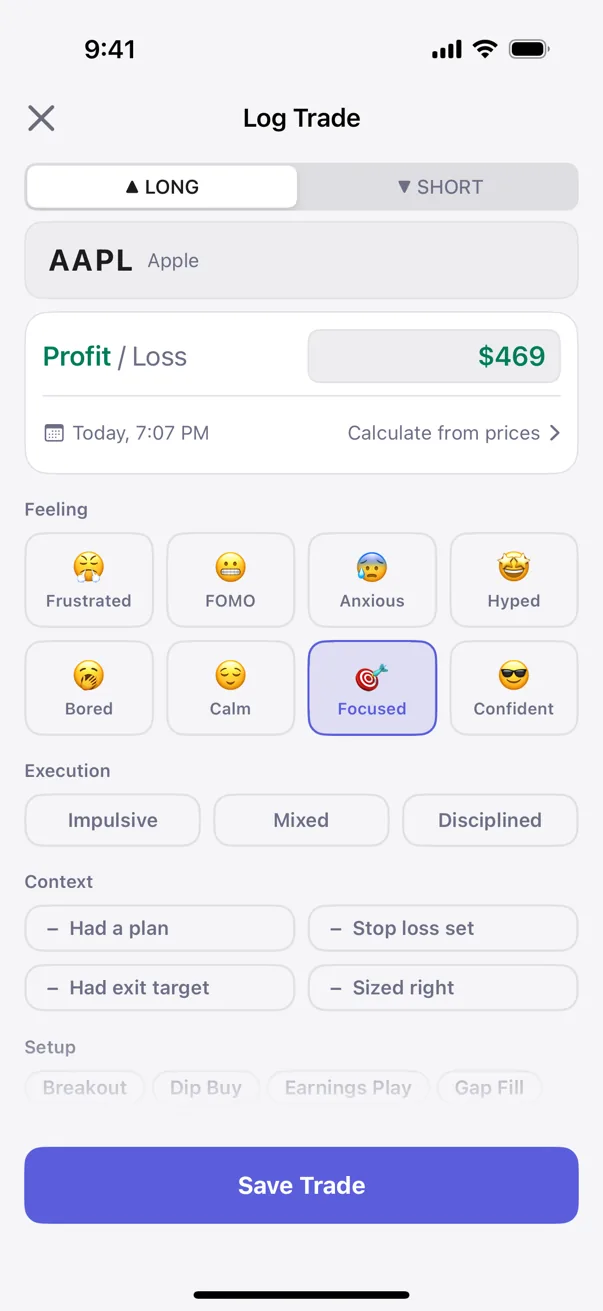
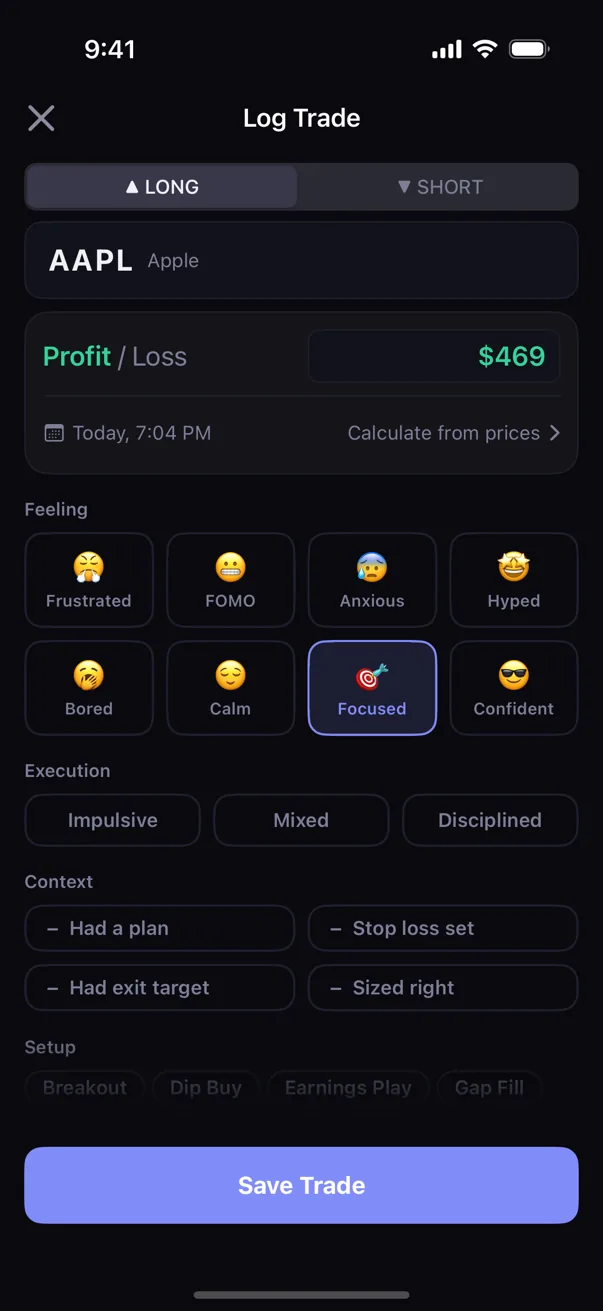
Capture it while it's fresh
Log P&L quickly. Add the setup, execution, and notes you will want when the session is over.
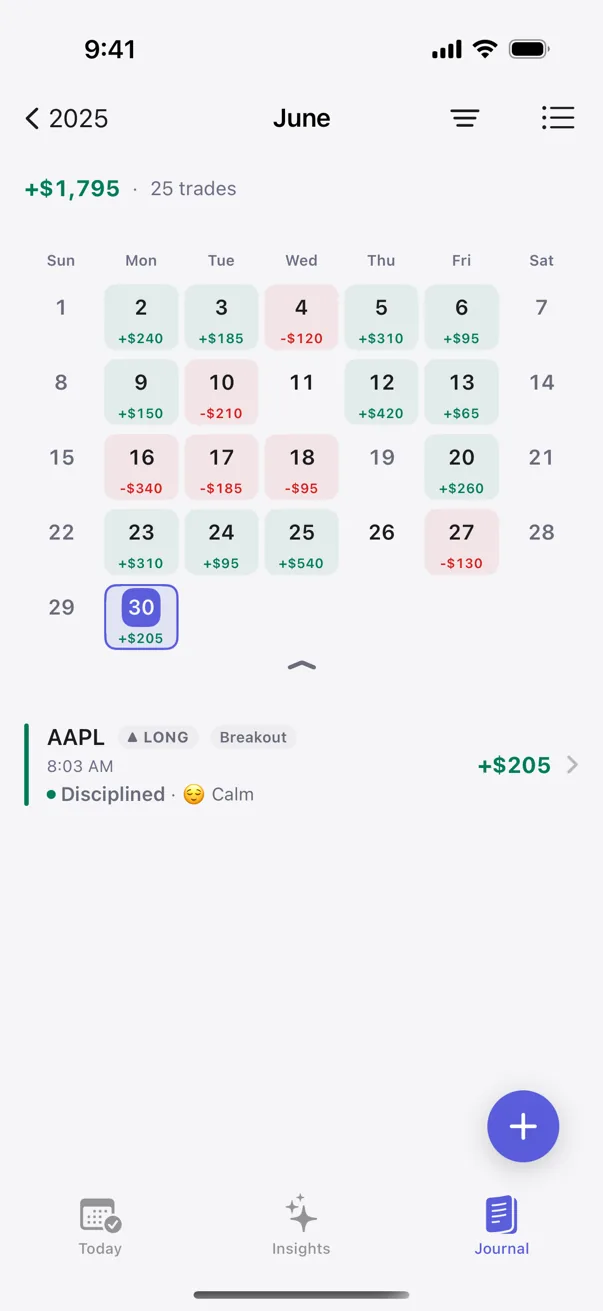
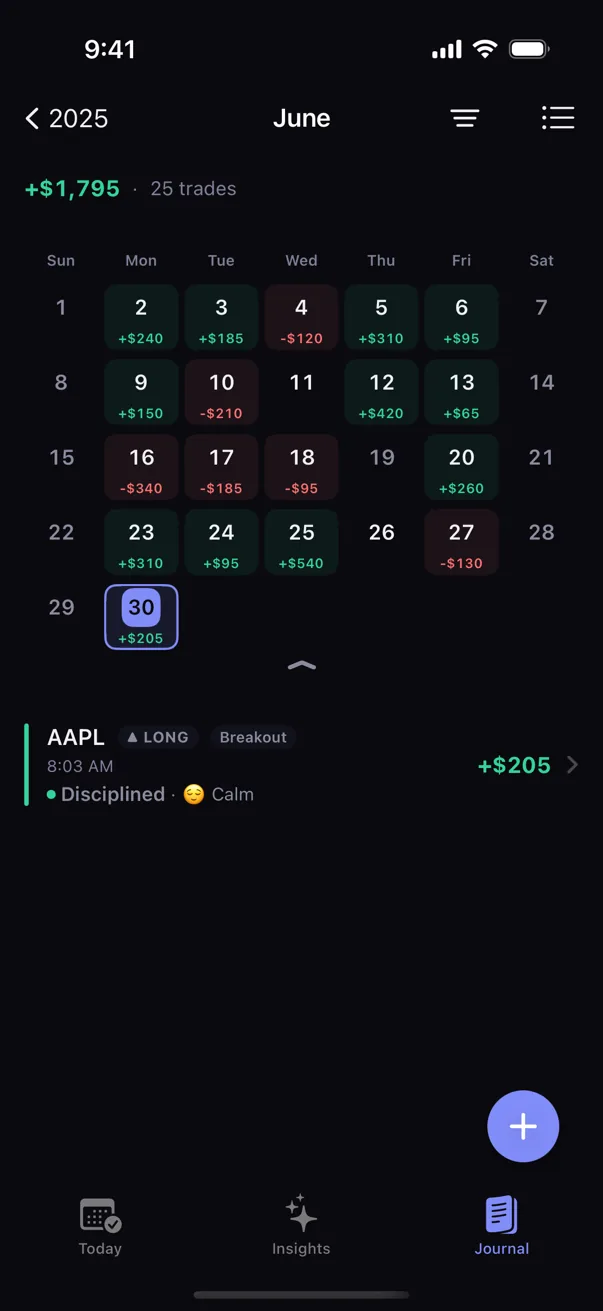
Find the day, not the memory
Search Journal and scan the P&L Calendar to reopen the trade with its notes and session context.
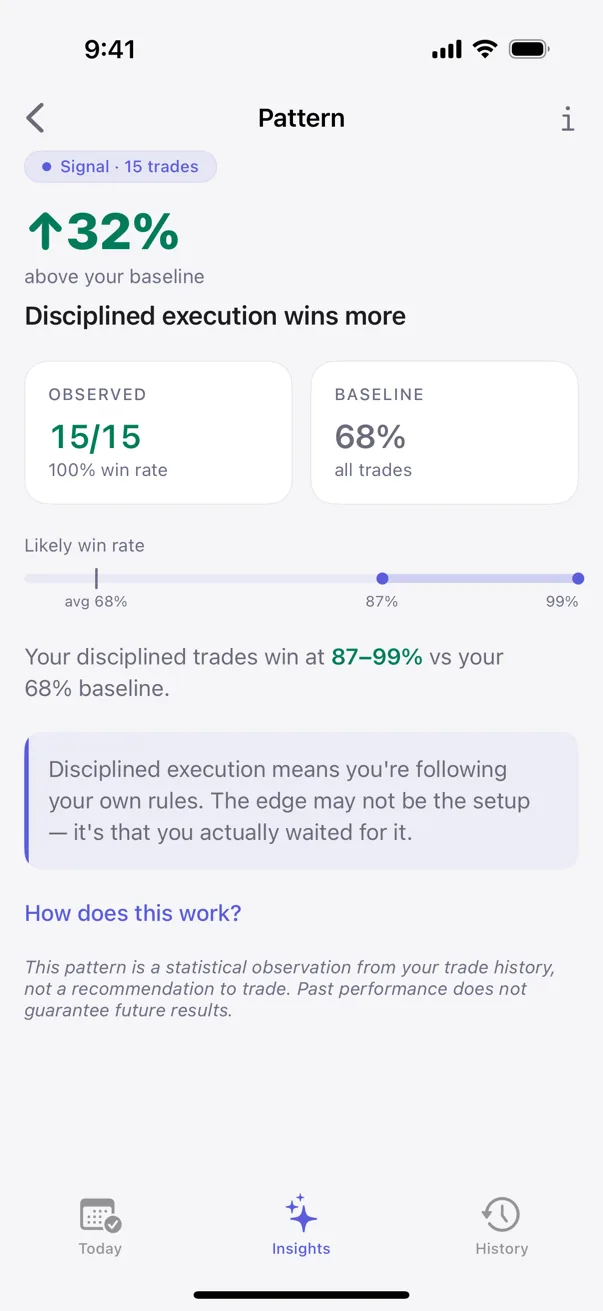
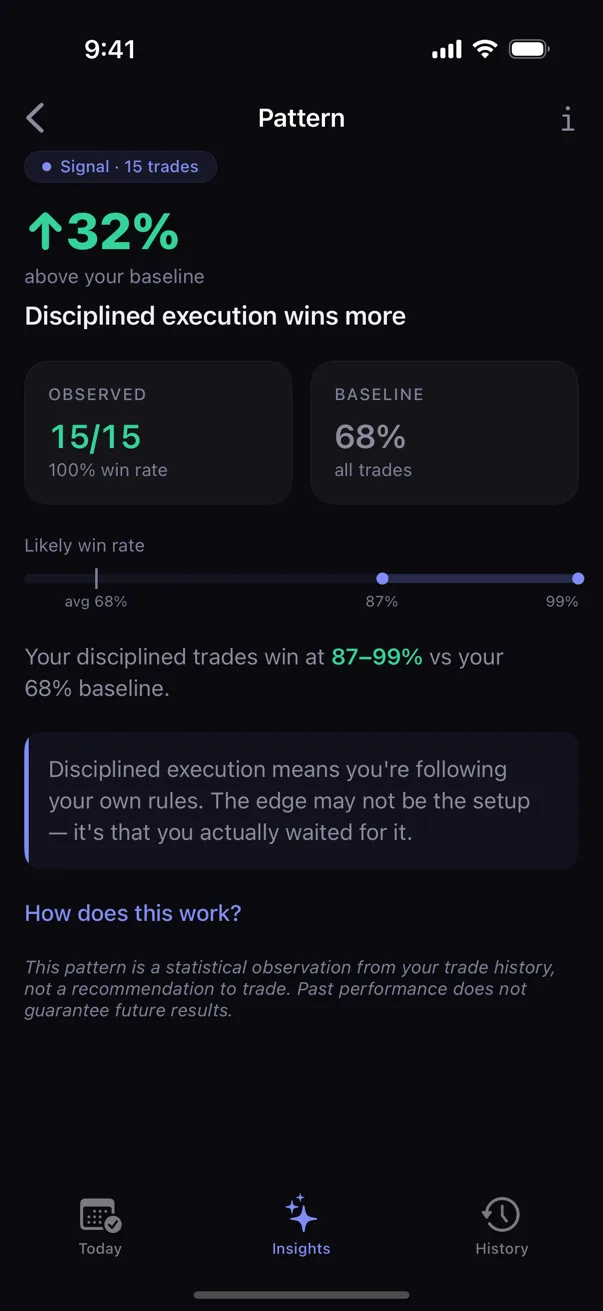
See what keeps repeating
As similar trades accumulate, Insights can compare setups, timing, execution, and emotion with the evidence beside each observation.
A review loop built from your trades
Capture the result and context
Return to the session
Compare repeated decisions
The useful part comes after the logging
One trade tells you what happened once. A series of similar trades lets you compare decisions and outcomes. When Kyra surfaces a pattern, Pattern Detail shows the matching sample and uncertainty so you can judge what the observation supports.
To understand the methods behind the evidence, see The math behind Kyra and Pattern detection.
Start without setup overhead
- No account creation. Open the app and start.
- No broker connection. Log completed trades in Kyra.
- No chart upload. The engine works from your logged history.
- No streak to maintain. It records your process without gamifying it.
Start with the journal
Unlimited logging, Journal search, Calendar, iCloud sync, and CSV portability are free. Free also includes every Emerging pattern and your strongest Developing or Established pattern. Premium unlocks every pattern, deeper breakdowns, and the adaptive checklist.