01 · Record
Save the result. Keep the context.
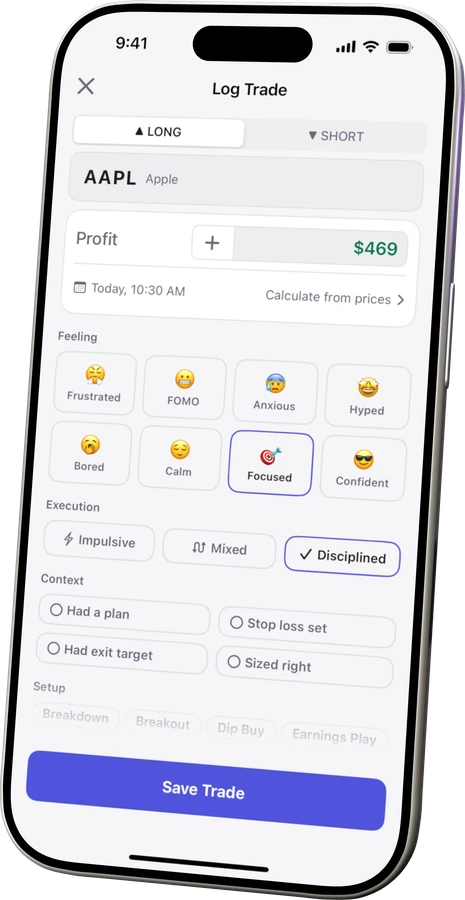
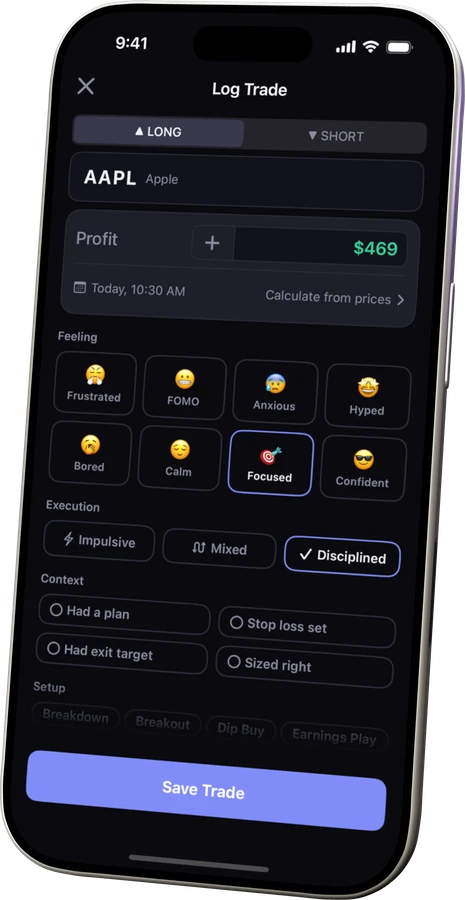
Log P/L now; add setup, execution and notes when they matter. Or import past trades from CSV.
Kyra is a private trading journal for iPhone.
Your P/L tells you how a trade ended. Not how you traded.Keep each result alongside the setup, execution, and notes behind it.


Free journal No Kyra account Private on your iPhone


Record · Review · Learn
How the journal works
Keep each result alongside the setup, execution, and notes behind it. Revisit the day, then see what your own history reveals as it grows.
Log P/L now; add setup, execution and notes when they matter. Or import past trades from CSV.
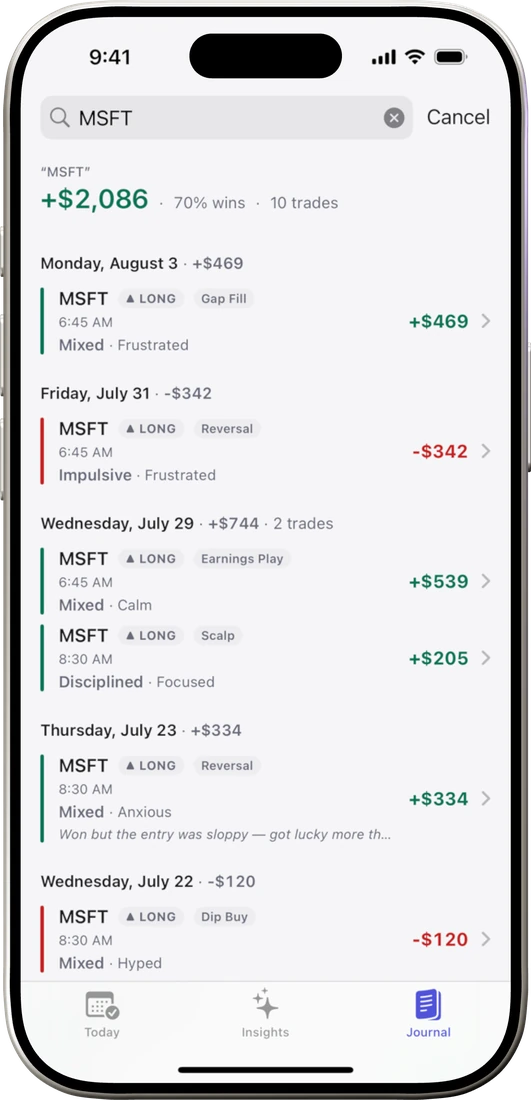
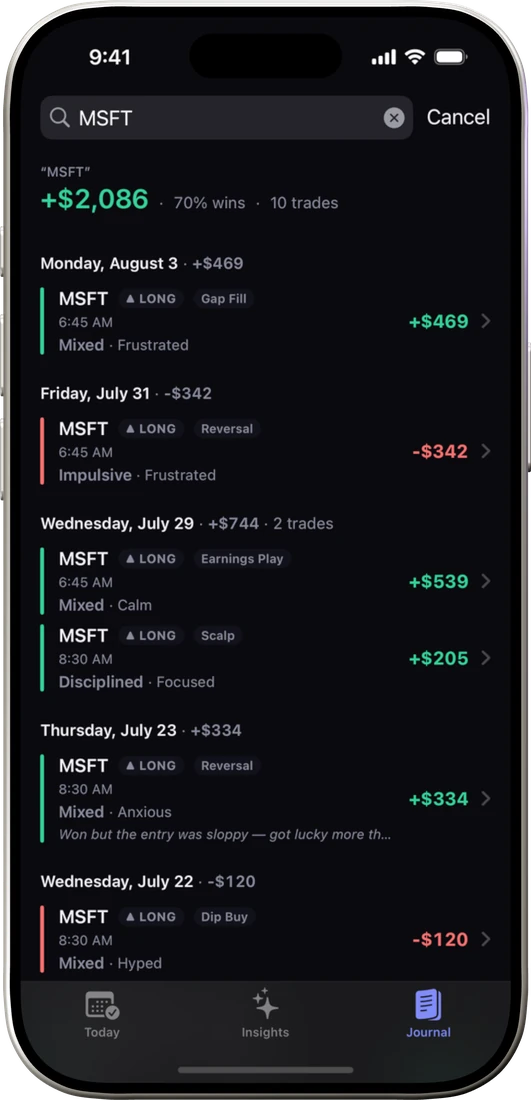
Search Journal, scan the P/L Calendar, and reopen a day with trades and notes together.
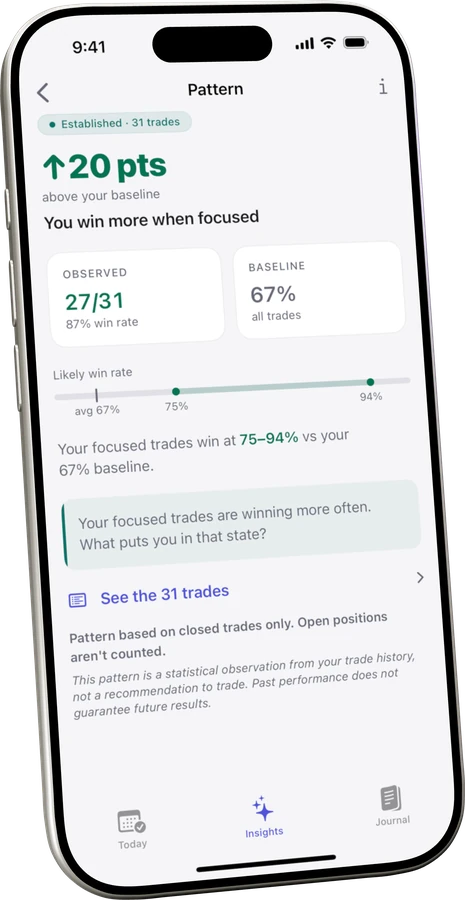
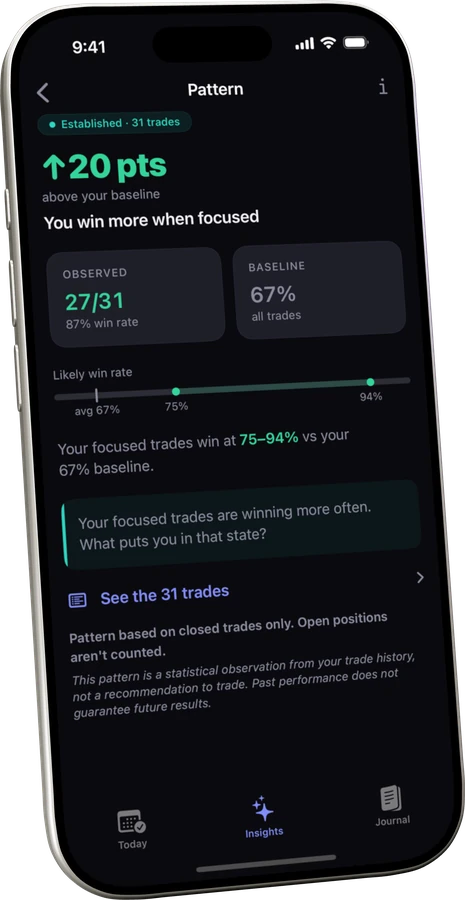
When enough comparable trades exist, Insights can surface patterns and show the sample and uncertainty behind them.
Trades stay on your device and, if you turn on sync, in your personal iCloud account — never in a Kyra database. Anonymous Analytics uses TelemetryDeck for aggregate crash and usage counts only, never your trades, and you can turn it off in Settings.
No account. · Private to your iCloud. · Analytics optional. · No ads.


No Kyra account required. Premium includes a 7-day trial when you choose to upgrade.
Free is the complete journal. Premium adds every detected pattern, deeper breakdowns, and an adaptive pre-trade checklist. Free includes all Emerging patterns and your single strongest Developing or Established pattern.
Kyra is a private trading journal for iPhone. On the App Store, it is listed as Kyra: Trading Journal & PnL with the subtitle P&L Calendar, Patterns & Notes. It supports equities and single-leg options, with a P&L calendar, notes, and on-device pattern analysis across setups, timing, discipline, and emotion. Optional sync uses your personal iCloud account; no Kyra account is required.
Bring your history in from a CSV, whether it's a spreadsheet you keep or an export from another journal. You see a preview before anything saves, and re-importing the same file skips trades that already landed. Direct broker sync isn't available; Quick P/L keeps manual entry fast when you prefer to log by hand. See how import and export work.
No Kyra account is required. Trades stay on your iPhone and, if you turn on sync, in your personal iCloud account. Kyra does not operate a backend that stores your trade history.
Free includes unlimited trade logging, Journal and P/L Calendar review, iCloud sync, CSV portability, the static pre-trade checklist, all Emerging patterns, and your single strongest Developing or Established pattern. Premium removes the personal-pattern cap and adds the adaptive checklist and deeper breakdowns.
Kyra keeps the record useful day to day with Journal search, notes, a P/L Calendar, Day Detail, and recovery tools. As the history grows, Insights can also surface patterns across setup, timing, discipline, and emotion from the trades you've already logged.
Your record starts being useful on day one. Personal patterns surface only after enough comparable trades exist, and every pattern shows the evidence level and matching sample behind it.
Kyra finds patterns with statistics, not a chatbot or a language model. The analysis runs on your iPhone, and your trades never train any model — there's no Kyra server to send them to. How the math works.
Yes. Pattern detection runs entirely on your iPhone. iCloud sync is optional — turn it on and your data follows you across your own devices; keep it off and it stays on the phone it was logged on.
Premium is billed through Apple's App Store. Current prices and renewal terms are shown in the app before purchase.