You already did the hard part
A trading spreadsheet is a real trade log. Dates, tickers, direction, P&L, maybe an emotion column and a notes field — if you've maintained one for months, you're holding exactly the raw material pattern detection needs. The discipline of keeping it is the rare part, and that part is already done.
The reason to move isn't that the data is wrong. It's that a grid of cells can't reason about it. A sheet will hold a conditional average if you build the formula, but it can't tell you whether the gap between your calm trades and your frustrated ones is a real difference or noise from a small sample. It can't cross-tab your outcomes by setup and time of day and surface the combination that keeps costing money.
The record
Every trade you logged: dates, tickers, direction, P&L, whatever context columns you added along the way. A complete history, earned one row at a time.
The reading
Compare outcomes across emotion, setup, and session. Separate a real pattern from small-sample noise. Notice the habit that repeats. A sheet stores behavior; it doesn't detect it.
The migration, in three steps
- Export your sheet to CSV.Excel, Numbers, and Google Sheets all do it from File → Export or Save As. One file, all your trades.
- Match the columns.Kyra's importer requires just four columns: date, ticker, direction, and P&L. Everything else — entry and exit prices, position size, emotion, setup, execution rating, a written reflection — is optional and adds depth where your sheet has it. The free trading journal template shows the exact headers; rename yours to match and the mapping is clean. If your sheet tracks entries and exits but never a P&L column, the P&L calculator does that arithmetic.
- Import — on your device.Kyra's import reads the file locally; nothing is uploaded anywhere. You see a preview of what will come in before anything is saved, and re-importing the same file later skips the trades that already landed instead of duplicating them. Fix the sheet, import again, no harm done.
What changes the moment your history lands
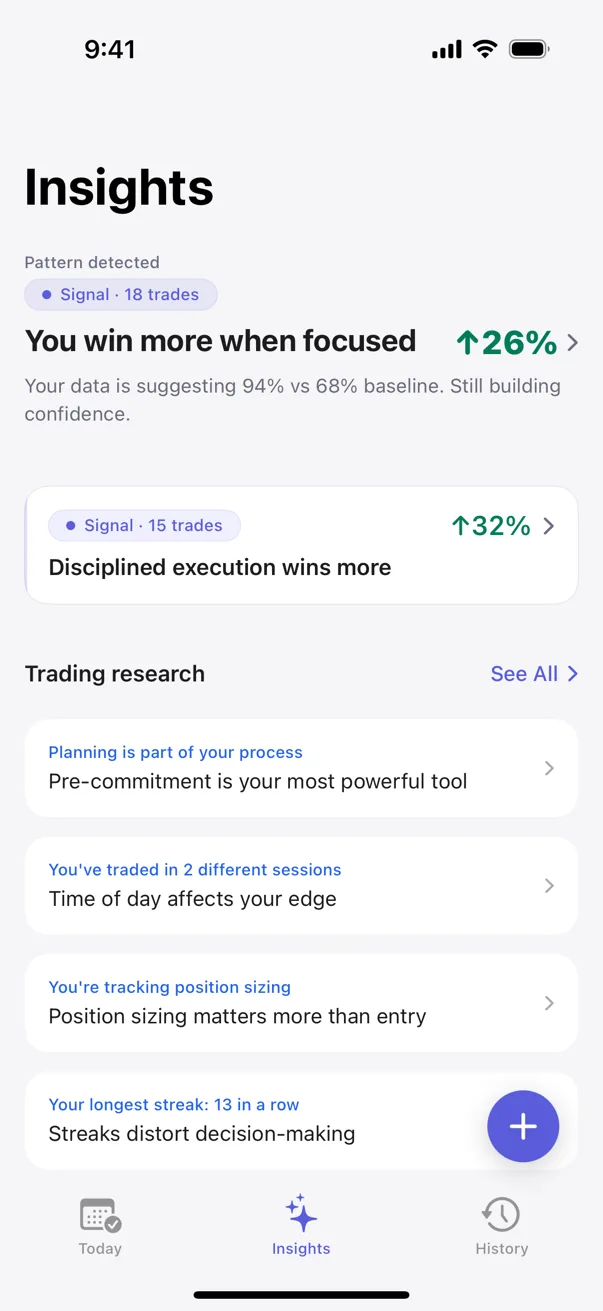
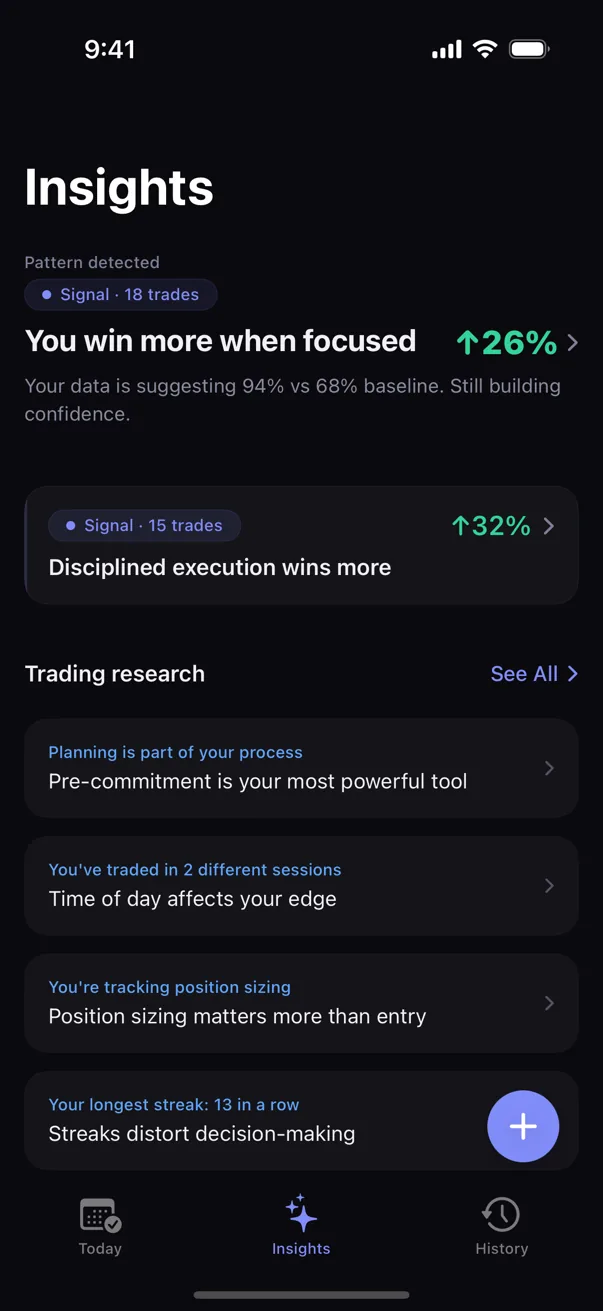
The same trades, now with an engine running over them. Instead of a static history you scroll, you get detected patterns — the setups, emotional states, and time windows where your results diverge from your own baseline, each shown with the number of trades behind it and a confidence tier that says how much evidence sits underneath.
The import matters more than it looks like it should, because pattern detection is gated on sample size. Start a journal from zero and the engine has little to say for a while; it would be guessing, and it's built not to guess. Bring a few hundred spreadsheet trades in and it has a real sample on day one. The history you already earned is what makes the analysis honest from the start.
Portable both ways
Import is free, and it isn't a one-way door. Kyra exports your full history back to CSV whenever you want — the same fields, readable by any spreadsheet. Moving in never means you can't move on.
That's deliberate. A trade log is years of your own behavior on record, and it should outlive any app that holds it. Whether a journal app or a sheet is the right home for yours is a genuine question with trade-offs both ways — Kyra vs. a spreadsheet lays them out honestly. This guide only covers the mechanics: if you decide to move, you don't retype anything.
In Kyra, unlimited logging and every Emerging pattern and your single strongest Developing or Established pattern are free, and the import is part of the free tier too — it lives in Settings, runs on your device, and needs no account. Bring the spreadsheet in, and the engine starts reading the history you already built.
Educational only. Not financial or trading advice. Specific outcomes vary with strategy, market conditions, and individual circumstances.