Short answer. Choose a native iPhone journal when you want fast offline capture and local storage. Choose a web journal when broker sync, browser access, replay, or backtesting matter more. Kyra is the native iPhone option for equities and single-leg options: no Kyra account, on-device trade history, optional private iCloud sync, and manual or CSV entry.
Native iPhone vs web: the fit table
| Option | Platform | Asset coverage | Account requirement | Broker sync | Privacy model |
|---|---|---|---|---|---|
| Kyra | Native iPhone | Equities and single-leg options | None | Manual / CSV | On-device + private iCloud |
| Cloud web journal | Browser | Often broad; verify each provider | Usually required | Often available | Company cloud account |
| Spreadsheet | Your file | Whatever you define | None | No | Your file; analysis is manual |
What native changes
A native app can open directly to the trade-entry flow, work without a network, and use phone-level features such as Face ID, Spotlight, and Shortcuts. That matters when the journal has to be updated during the session rather than reconstructed at the end of the day. It does not automatically make the analysis better; it changes the likelihood that the record is complete.
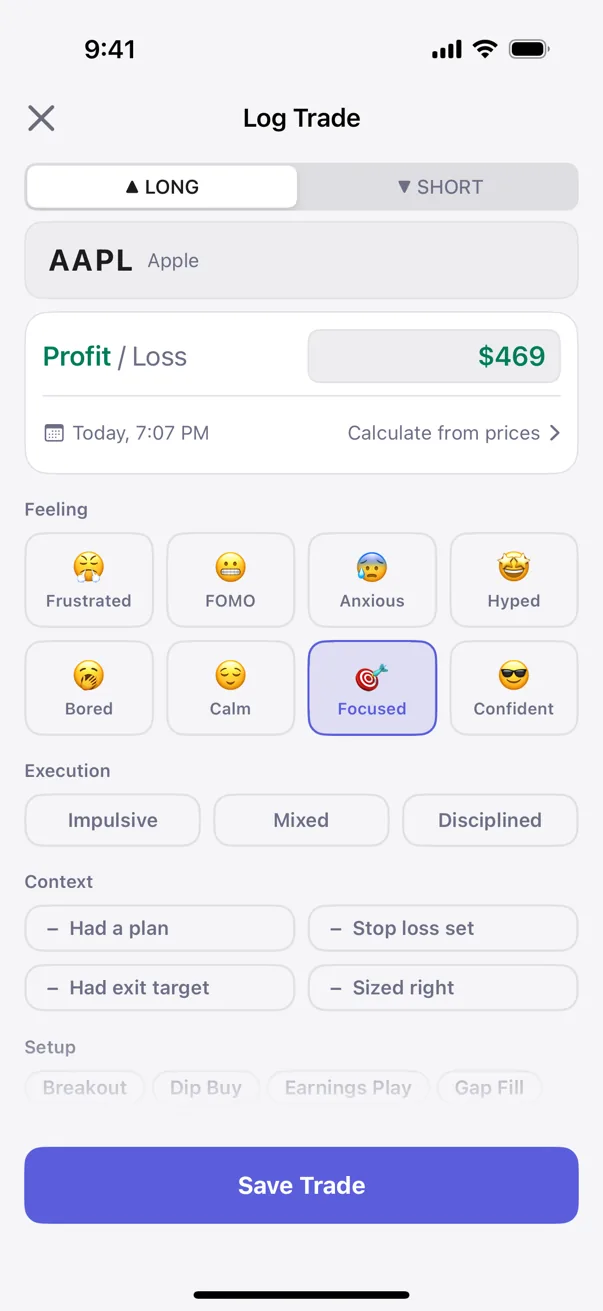
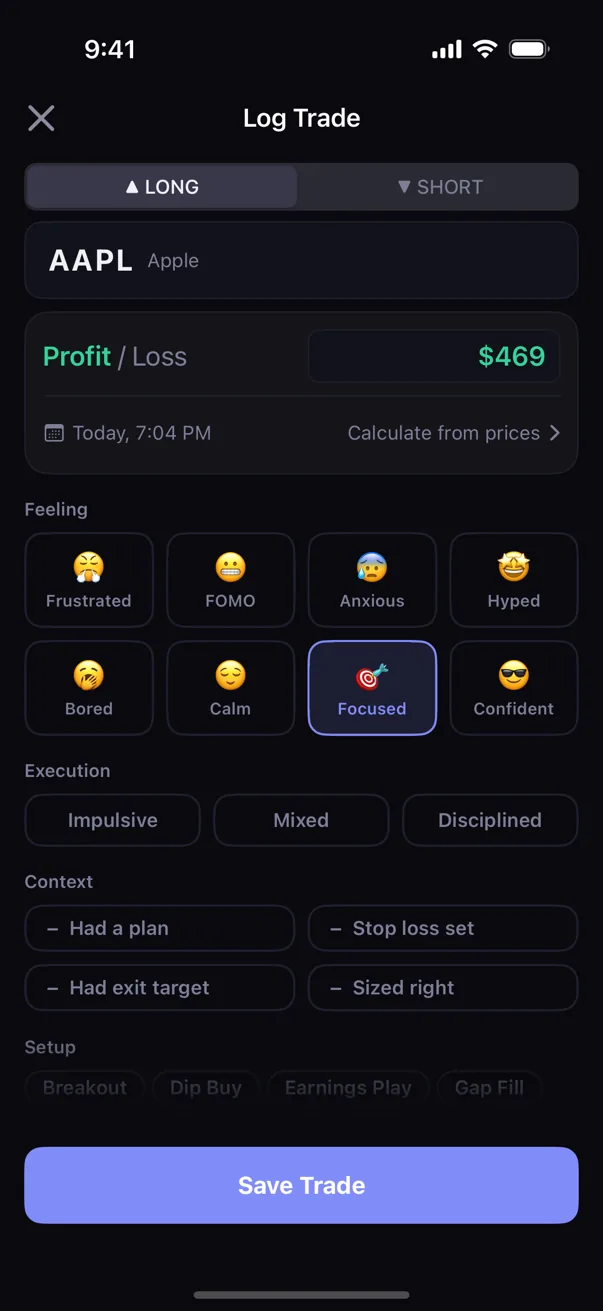
Kyra uses that native path to keep the record personal. For equities and single-leg options, you can enter the completed trade or import a CSV, capture the emotion and setup, and let on-device statistics compare the history. It does not provide a broker connection, live market-data feed, replay, or web dashboard.
What a web journal buys you
A web-first journal usually wins on breadth: browser access across devices, automatic broker import, larger dashboards, replay, and backtesting. Those features commonly require an account and server-side storage because the journal needs to receive and process the trade feed. If those capabilities are central to your workflow, a cloud journal is the honest choice.
You want the journal on your phone
You want equities and single-leg options logging, offline capture, no Kyra account, and behavioral analysis that stays on-device. You are comfortable entering completed trades yourself or importing a CSV.
Sync or a web suite is non-negotiable
You need automatic broker import, live positions, tick-by-tick replay, backtesting, or a browser-based team workflow. Choose a product built around those requirements instead.
The practical decision
Start with the constraint you will not compromise. If your priority is data ownership and a logging habit that survives a bad connection, start with a native app. If your priority is never typing a trade, start with broker sync and accept the account and cloud model that enables it. Kyra's privacy architecture is explained in the private trading journal guide; the wider category is covered in the best trading journal apps guide and the comparisons hub.
Educational only. Not financial or trading advice. Platform and workflow descriptions are category-level guidance, checked against representative provider sites and App Store listings on 2026-07-19; verify current feature and pricing details with each provider. "Kyra" here means the iOS app at kyratrading.app, listed on the App Store as Kyra: Trading Journal & PnL, by Neon Tiger Labs LLC.